Your IPTV subscription deserves a better player
H2K Player turns any Xtream Codes login or M3U playlist into a premium television experience — a real programme guide, catch-up TV, movies and series with resume, all driven by your remote.
Get H2K Player See what's inside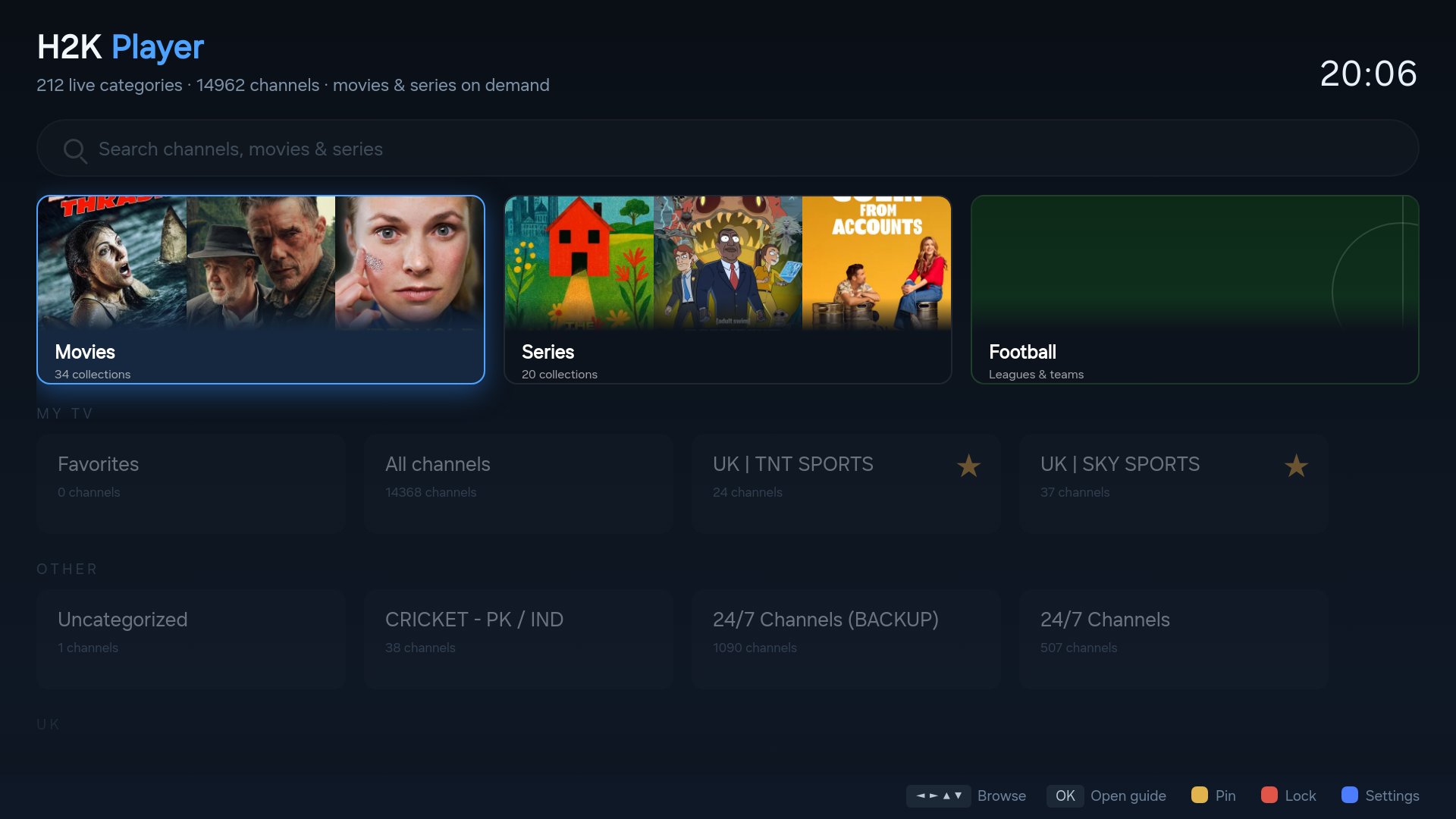
Built like the streaming apps you already love
Bring your own subscription from any provider — H2K Player supplies the experience.
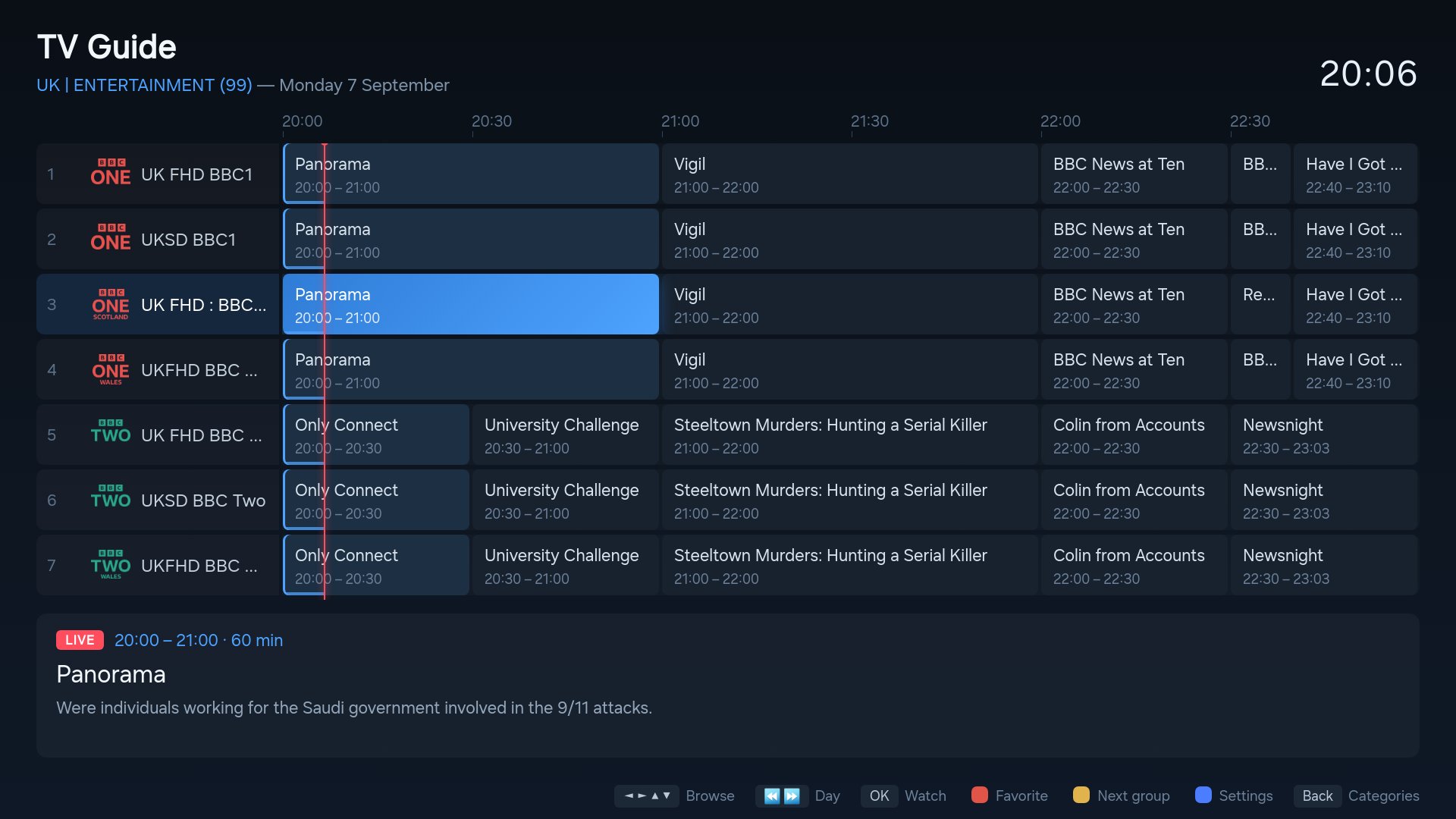
Full TV Guide
A real programme grid with a live now-line, progress bars and programme details — plus day-by-day browsing.
Catch-up TV
Missed it? On channels with archive support, press OK on any finished programme in the guide and watch it back.
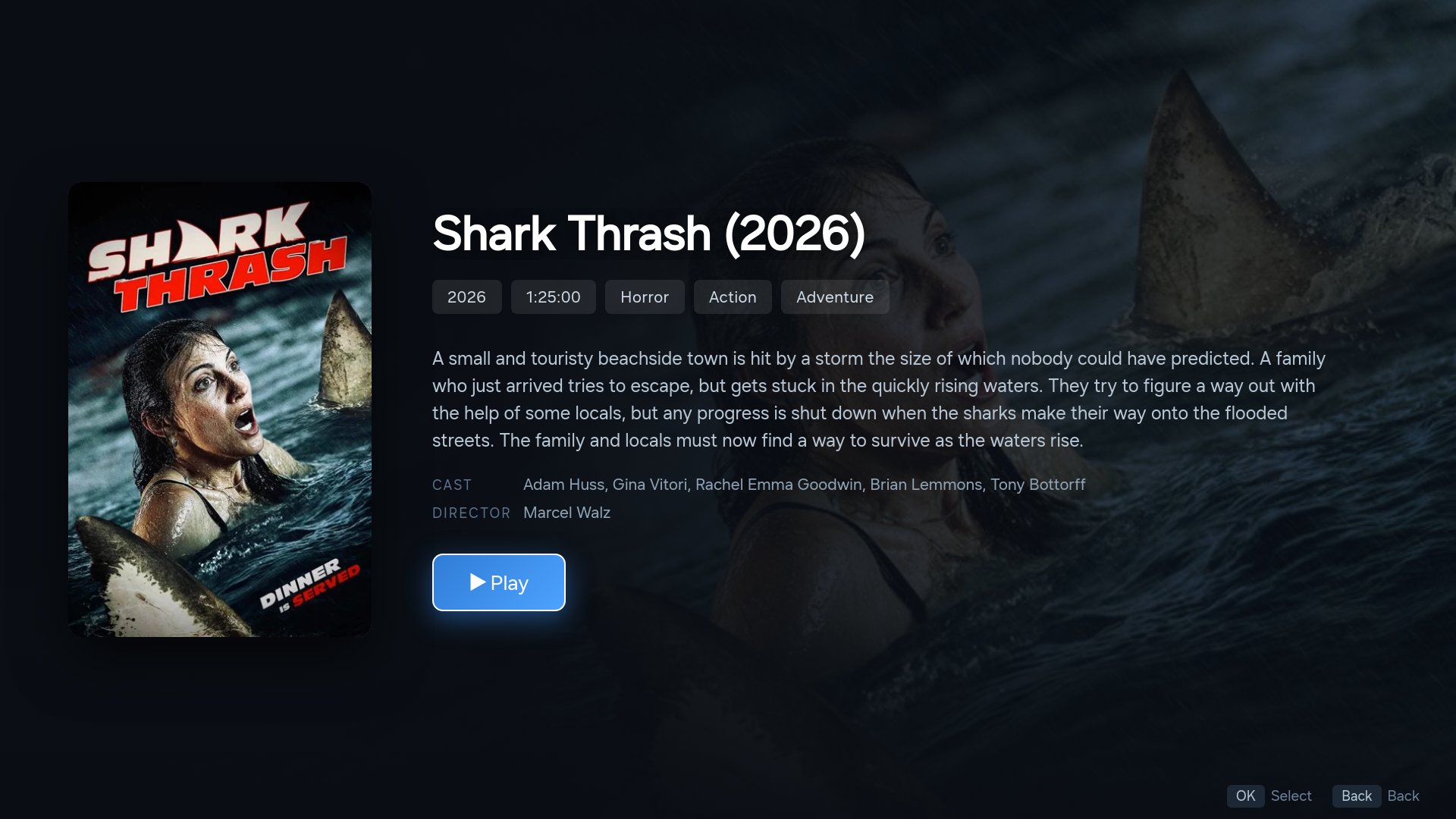
Movies & Series
Your provider's on-demand catalog with poster browsing, plots & ratings, seasons and episodes — with Continue Watching resume.
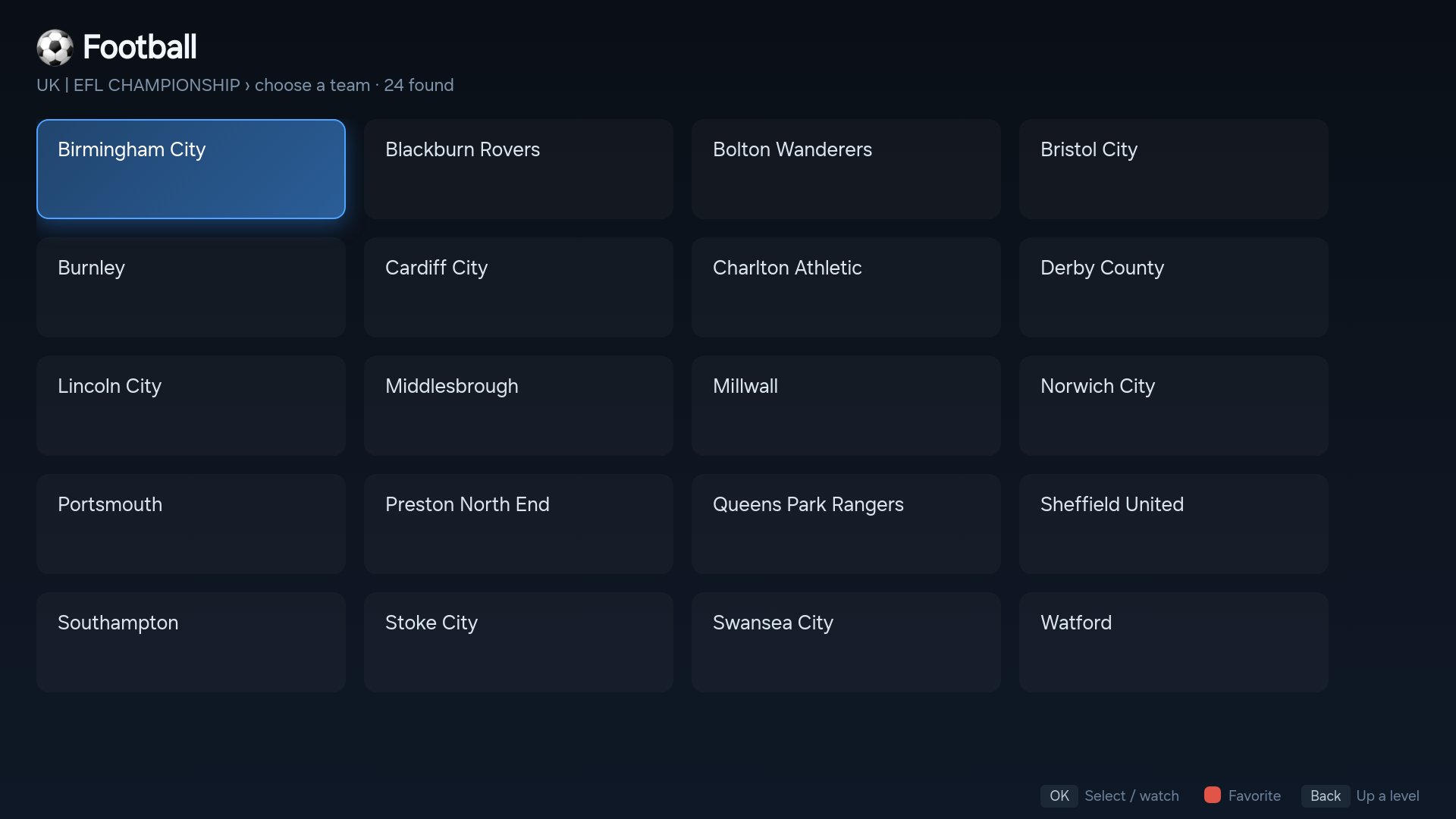
Football mode
Pick your competition, pick your team — see every channel showing them, from club channels to match-day fixtures.
Search everything
One search across live channels, what's on now, movies and series — with a remote-friendly keyboard.
Fast & resilient
Quick channel tune-in, smooth zapping, automatic reconnects when a stream hiccups, and a mini-guide over live video.
Parental PIN
Lock any category behind a 4-digit PIN. Adult categories are locked automatically from the first run.
Your data stays yours
No account needed, and the app has no ads or tracking. Your playlist login lives on your TV — nothing ships with the app and nothing leaves it.
See it for yourself
Straight off the screen — real guide data, real posters, your provider's content.
Simple pricing
Try everything free for 14 days. Then one payment, one TV, forever.
- 14-day free trial, no card needed
- Lifetime license for one TV
- Every feature included — no subscriptions
- Free updates
Getting started
Questions
Does H2K Player include any channels?
No. H2K Player is a player only — it includes no channels, streams or content of any kind. You connect the IPTV subscription you already have from your own provider, and H2K Player gives it a beautiful interface.
Which providers work?
Any provider using the Xtream Codes API (a server address, username and password) or a standard M3U/M3U8 playlist link. Movies, series and catch-up appear automatically when your provider offers them.
Is the license really one-time?
Yes. £2.99 once, tied to your TV's device code, valid forever with free updates. No subscription — your only recurring cost is whatever you pay your IPTV provider.
What if I replace my TV?
Licenses are per-TV. If you replace your television, contact support with your order details and we'll help you move your license.
Which TVs and devices are supported?
Samsung Smart TVs (Tizen) today. Apple TV, Android TV and Amazon Fire TV versions are on the way, and LG webOS is in development — the same one-time license works across your devices.
How do I watch IPTV on a Samsung Smart TV?
Install H2K Player on your Samsung TV, then enter your IPTV provider's Xtream Codes login or M3U playlist link in the setup wizard. Your channels, TV guide and on-demand library appear automatically — no computer needed after install.